What is AutoCount POS 5.0 and which businesses run it?
+
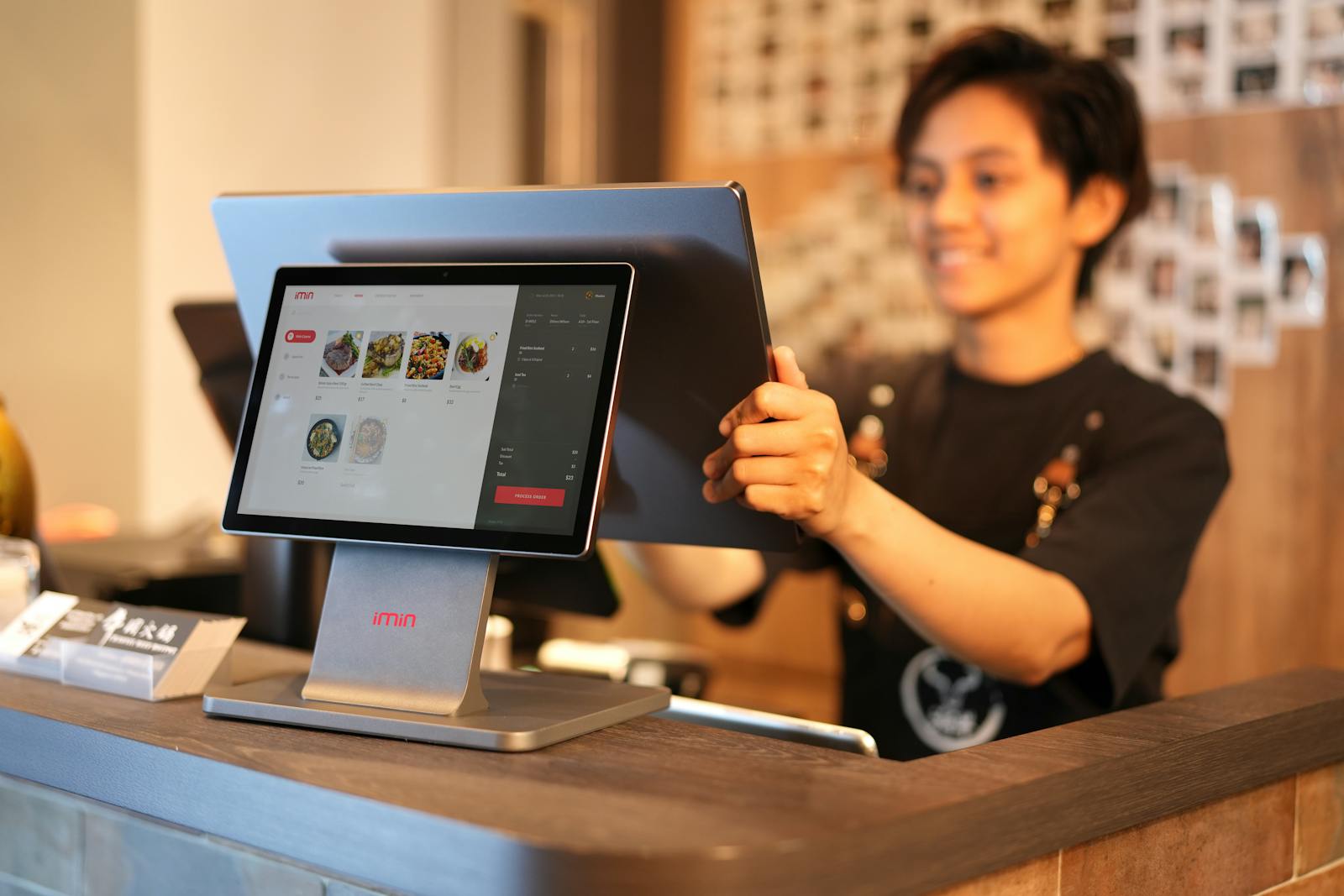
AutoCount POS 5.0 is the flagship touch-screen point-of-sale software for Malaysian SMEs in retail and food-and-beverage. Retail mode handles multi-outlet stores, barcode scanning, member pricing, tiered promotions and stock movement. F&B mode handles table service, kitchen display, modifier groups, split bills and table layouts. Both modes run on the same engine and share inventory and customers with AutoCount Accounting 2.0. Daxonet implements it for retail chains, kopitiams, restaurants, mini-markets, fashion outlets, pharmacies and electronics shops across Malaysia.
Does AutoCount POS 5.0 integrate with AutoCount Accounting 2.0?
+
Yes. AutoCount POS 5.0 is on the same database family as AutoCount Accounting 2.0. Sales rung up at the till post the journal entry into the GL in real time. Stock decrements automatically. Member loyalty integrates with AutoCount OneRewards. SST output is captured at the line level. End-of-day cash-up reconciles against the till float. The till and the accounts never disagree, because they are on the same data.
Is AutoCount POS 5.0 LHDN MyInvois ready?
+
Yes. AutoCount POS 5.0 inherits MyInvois readiness from AutoCount Accounting 2.0 through the AutoCount e-Invoice on-premise add-on. Standard, credit, debit, self-billed and consolidated e-Invoice flows are configured during setup. For B2C retail transactions below the consolidation threshold, POS sales batch into a daily consolidated invoice automatically. Daxonet handles the full setup including TIN registration and sandbox testing.
What hardware does AutoCount POS 5.0 work with?
+
AutoCount POS 5.0 works with standard retail hardware: touch-screen Windows POS terminals, USB or Bluetooth barcode scanners, thermal receipt printers (ESC/POS), cash drawers, customer-facing displays and weighing scales. Daxonet supplies the hardware bundle with installation, or works with hardware you already have. We test every device against AutoCount POS before go-live so the first transaction is not the test.
Can AutoCount POS 5.0 run multiple outlets with shared books?
+
Yes. Each outlet runs AutoCount POS 5.0 on its local touch-screen terminal. Sales sync back to a central AutoCount Accounting 2.0 installation either through a local network or scheduled batch sync. Stock is tracked per outlet, transfers between outlets are journalised, and consolidated reporting runs from the central GL. Multi-outlet SMEs typically pair this with AutoCount Cloud Accounting if they want real-time books across branches.
How long does an AutoCount POS implementation take?
+
For a typical Malaysian retail or F&B SME on AutoCount POS 5.0 plus AutoCount Accounting 2.0, full implementation runs 2 to 4 weeks. Hardware procurement and setup takes 3 to 5 days. Software install, menu or item master loading, member database migration and configuration takes 1 to 2 weeks. On-counter training takes 2 to 3 days. Go-live and first month of WhatsApp support is included. Adding additional outlets afterwards adds about 3 to 5 days each.
Does AutoCount POS 5.0 work if the internet goes down?
+
Yes. AutoCount POS 5.0 runs entirely on the local terminal. Day-to-day sales, receipt printing, member lookup, stock decrement and end-of-day cash-up all work fully offline. Internet is only required for the LHDN MyInvois e-Invoice submission step (which happens automatically when connection returns) and for syncing data back to head office. This is one of the main reasons Malaysian retailers and F&B operators pick on-premise POS over cloud-only platforms.
Can Daxonet migrate us from another POS system?
+
Yes. Daxonet runs migrations from common Malaysian POS platforms (older AutoCount POS, third-party retail POS, manual cash registers, F&B systems) as a structured data conversion. Item masters, member lists, opening stock, supplier records and historical sales are migrated with reconciliation back to the source. Migration timeline is typically 2 to 4 weeks for a single outlet, plus 3 to 5 days per additional outlet.